
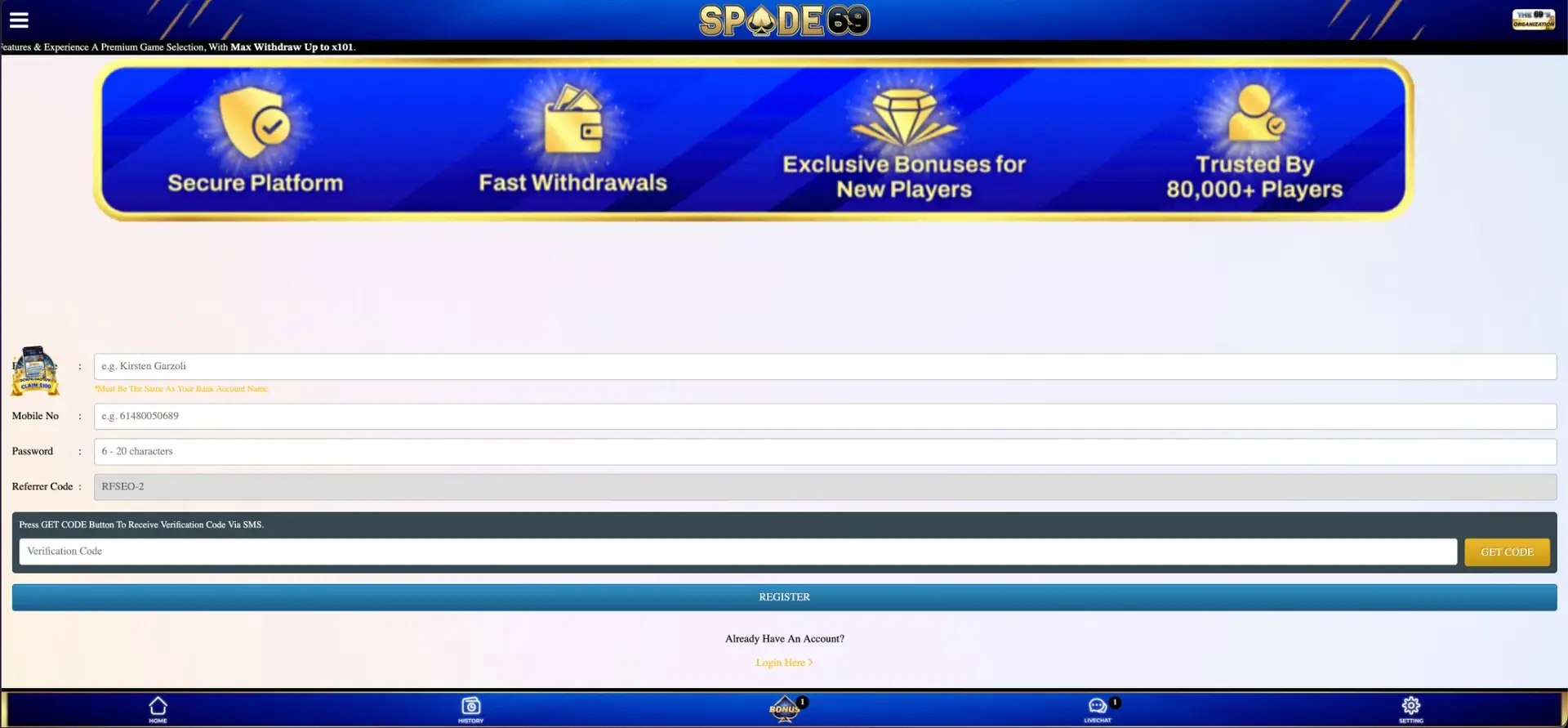
The Spade69 app is an Android APK. It is downloaded from the App Download tab on the official site rather than from Google Play, and installing it unlocks the Download SPADE69 APK credit of AUD 100 plus a separate APK Daily Check-In Bonus. There is no App Store version for iPhone. iOS players use Spade69 in Safari, where the lobby, Bonus page, AUD cashier and live chat work the same as in the app, and can add the site to the home screen for one-tap access. The login is the same everywhere: a mobile number in 61… format or username, plus the account password.
This page explains how to install the APK safely, how to set up the iPhone shortcut, which rewards are available only in the app, and how the app and browser versions compare for deposits, withdrawals and daily bonuses.
| Feature | Spade69 on mobile |
|---|---|
| Android | APK from the App Download tab on the official site |
| iPhone and iPad | Mobile browser (Safari, Chrome) with an optional home screen shortcut |
| Google Play / App Store | Not listed |
| Install reward | Download SPADE69 APK: AUD 100 ("Download APK, Claim $100") |
| App-only daily reward | APK Daily Check-In Bonus |
| Game catalogue | Same provider lobby as desktop: Slots, Live Casino, Sportsbook, E-Sports, Table, Fishing |
| Cashier | AUD, deposits from AUD 10, withdrawals from AUD 50 |
| Navigation | Bottom bar: Home, History, Bonus, Livechat, Setting |
| Login | Mobile number or username and password |
Is there a Spade69 app for Android and iOS?
For Android, yes. Spade69 distributes its own APK through the site, which is common for casino brands, because Google Play restricts real-money gambling apps by country and licence. The APK link appears in several places: the App Download tab in each provider lobby, the floating "Download APK, Claim $100" badge on the left side of the screen, and the Download SPADE69 APK tile on the Bonus page.
For iPhone, no app is listed in the App Store, and iOS does not allow APK files. The Spade69 site is designed mobile-first, with a fixed bottom menu and a single-column layout, so the browser version is a complete replacement for an iOS app rather than a reduced one.
How to install the Spade69 APK on Android
Android blocks apps from outside Google Play by default, so installing the APK needs one permission change. The process takes about two minutes.
- Open the official Spade69 site in Chrome on your Android phone.
- Tap the Download APK badge or the App Download tab.
- Confirm the download when Chrome warns that this type of file can be harmful.
- Open the downloaded file from the notification bar or the Downloads folder.
- When prompted, allow Install unknown apps for Chrome. This applies only to Chrome and can be switched off afterwards.
- Tap Install, then Open.
- Log in with your mobile number (61…) or username and password.
- Go to the Bonus tab and claim the Download SPADE69 APK tile.
After installing, go back to Settings → Apps → Chrome → Install unknown apps and switch the permission off. This keeps the phone protected against downloads from other sites.
How to add Spade69 to the iPhone home screen
A home screen shortcut gives iPhone users an app-like icon that opens Spade69 directly, without typing the address or searching for it.
- Open the official Spade69 site in Safari.
- Tap the Share icon (the square with an upward arrow).
- Scroll down and tap Add to Home Screen.
- Name the shortcut "Spade69" and tap Add.
- Open Spade69 from the new icon and log in as usual.
The same option is available on Android in Chrome's menu (⋮ → Add to Home screen) for players who prefer not to install an APK.
Rewards available only in the Spade69 app
The APK is more than a different way to open the site: two Free Credit Bonus tiles are tied to it. Over time, this makes the app the better choice for Android players who log in regularly.
- Download SPADE69 APK: a one-time AUD 100 credit after installing the app.
- APK Daily Check-In Bonus: a daily credit for opening the app and checking in.
Free credit usually comes with turnover and a cash-out limit, which are shown on each tile. With a AUD 100 credit and the AUD 50 minimum withdrawal, the credit is large enough to reach a withdrawable balance without a deposit, provided the tile's turnover is met.
App or browser: which to choose
Both versions use the same account, balance and game library, so the choice depends on the device and how often you play.
| Criterion | Android APK | Mobile browser |
|---|---|---|
| Available on | Android only | Android, iPhone, iPad |
| Installation | Download plus a one-time permission | None; optional home screen shortcut |
| Install credit | AUD 100 | None |
| Daily check-in | Regular Daily Check-In plus APK Daily Check-In | Regular Daily Check-In |
| Games and cashier | Full | Full |
| Updates | New APK version when released | Automatic |
| Storage | Uses phone storage | Browser cache only |
Features available on mobile
Everything in the desktop version of Spade69 is also available on a phone. The layout is reorganised so each section fits a single column.
- Lobby: Free Hot Events, Slot, Live Casino, Sportsbook, E-Sports, Table and Fishing.
- Provider catalogues: tabs for Slots, Fishing, Other, Table, Video Poker and App Download.
- Bonus page: every promotion tile, including Hyper Boost 250%, Ripper Spin free spins and Clover Gold.
- Mini games: the Lucky Spin wheel with its User ID login.
- Cashier: Deposit, Withdraw and Refresh in the balance panel.
- History and Livechat: in the bottom bar.
- Ambassador Program: share and copy the referral link straight from the phone.
Payments in the Spade69 app
Deposits and withdrawals in the app follow the same rules as on desktop. All amounts are in AUD, and the method list in the cashier is the same on every device.
| Parameter | Value |
|---|---|
| Currency | AUD |
| Minimum deposit | AUD 10 |
| Minimum withdrawal | AUD 50 |
| Payout account | In the name used at registration |
| Records | History tab |
Security on mobile
The main risk with any APK is a modified copy from an unofficial source. Download Spade69 only from the App Download tab on the official site. If Android asks for unusual permissions, such as SMS reading, contacts or accessibility services, cancel the installation. The account itself is protected by SMS verification at registration and by the iovation and ThreatMetrix fraud checks used across the platform.
Usage tips for Australian players
A few habits help you get the most out of Spade69 on a phone and avoid the common problems with mobile banking and data use.
- Claim the AUD 100 APK credit before making a first deposit, so its turnover does not mix with deposit bonuses.
- Open the app daily for the APK Daily Check-In. Missed days do not roll over.
- Use Wi-Fi for live casino streams. Pokies and fishing games use far less data.
- Tap Refresh in the balance panel after a deposit instead of reloading the whole app.
- Keep the registered mobile number active, because it is used for login and password recovery.
Spade69 app FAQ
Answers to the most common questions about using Spade69 on a phone or tablet.
Is the Spade69 app on Google Play?
No. The Android APK is downloaded from the App Download tab on the official Spade69 site.
Is there a Spade69 app for iPhone?
There is no App Store version. iPhone users play in Safari and can add a home screen shortcut that works like an app icon.
How much is the Spade69 app bonus?
Installing the APK unlocks a AUD 100 credit on the Download SPADE69 APK tile. The APK Daily Check-In adds a daily credit on top.
Do I need a new account for the app?
No. Log in with the same mobile number or username and password you use in the browser.
Can I deposit and withdraw in the app?
Yes. The cashier works in AUD with the same AUD 10 minimum deposit and AUD 50 minimum withdrawal as on desktop.
Why does Android warn me about the APK?
Android shows this warning for every app installed outside Google Play. It is safe to continue if the file came from the official Spade69 site.

Independent research for Australian readers. We do not operate the casino or manage player accounts and payments.